
Filters
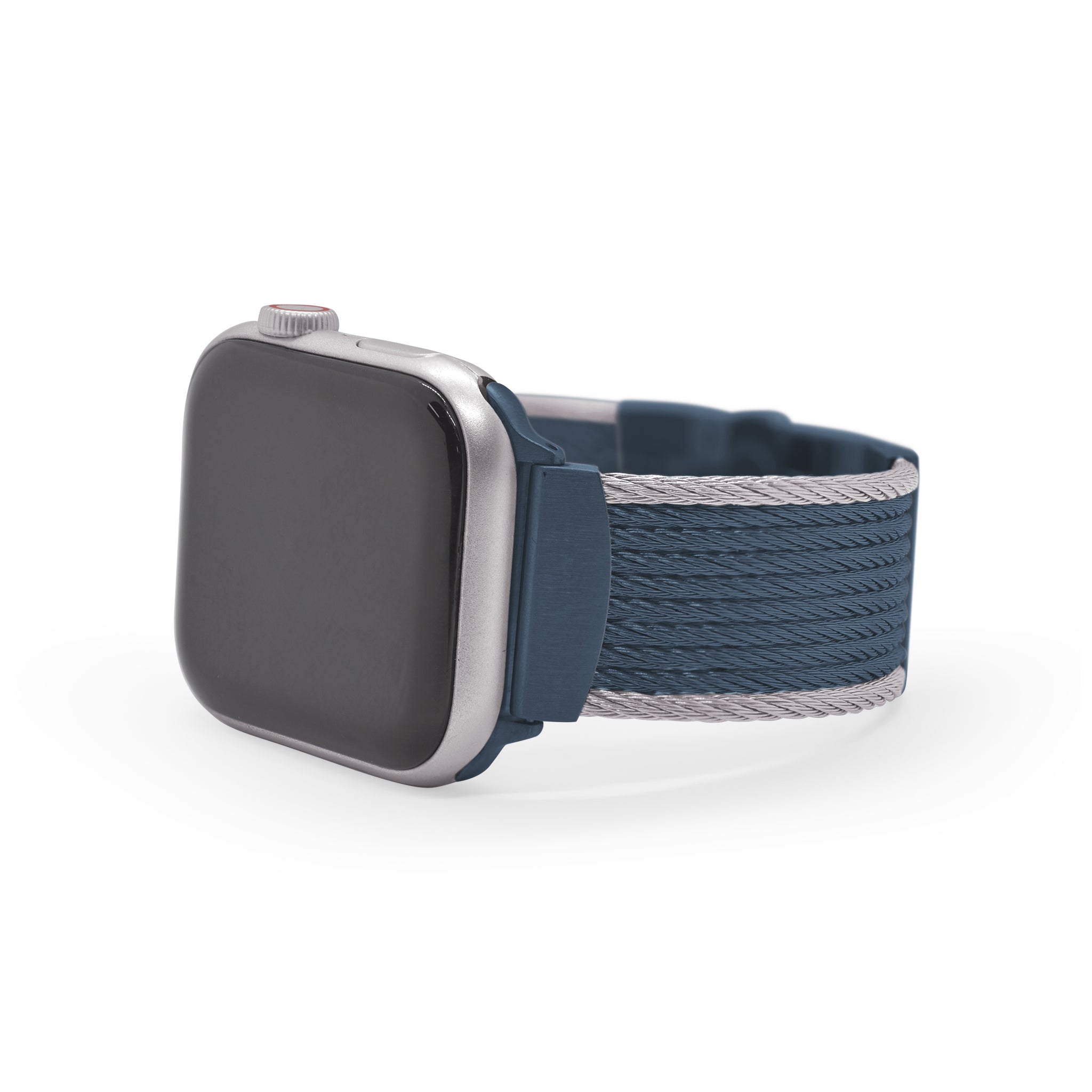
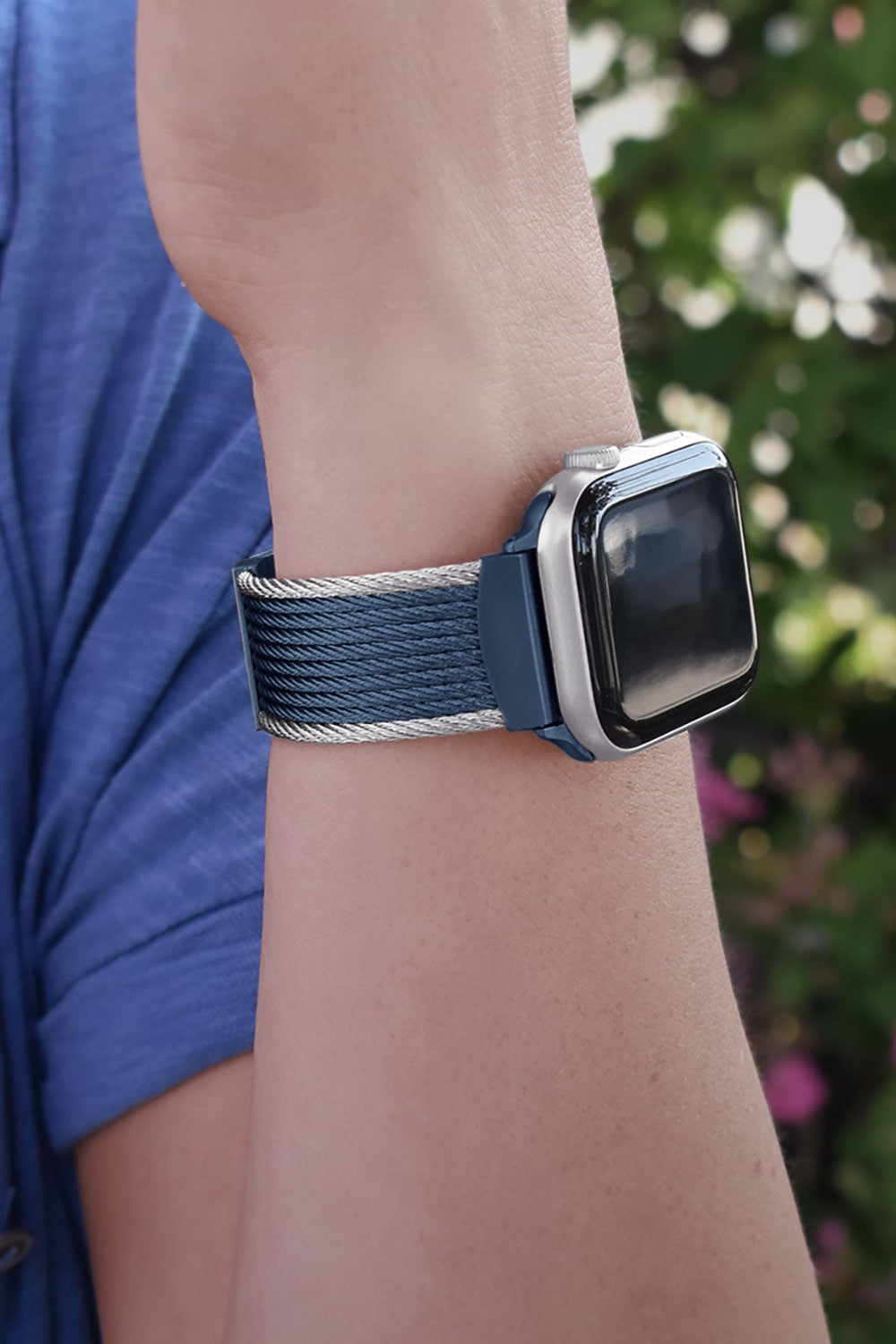
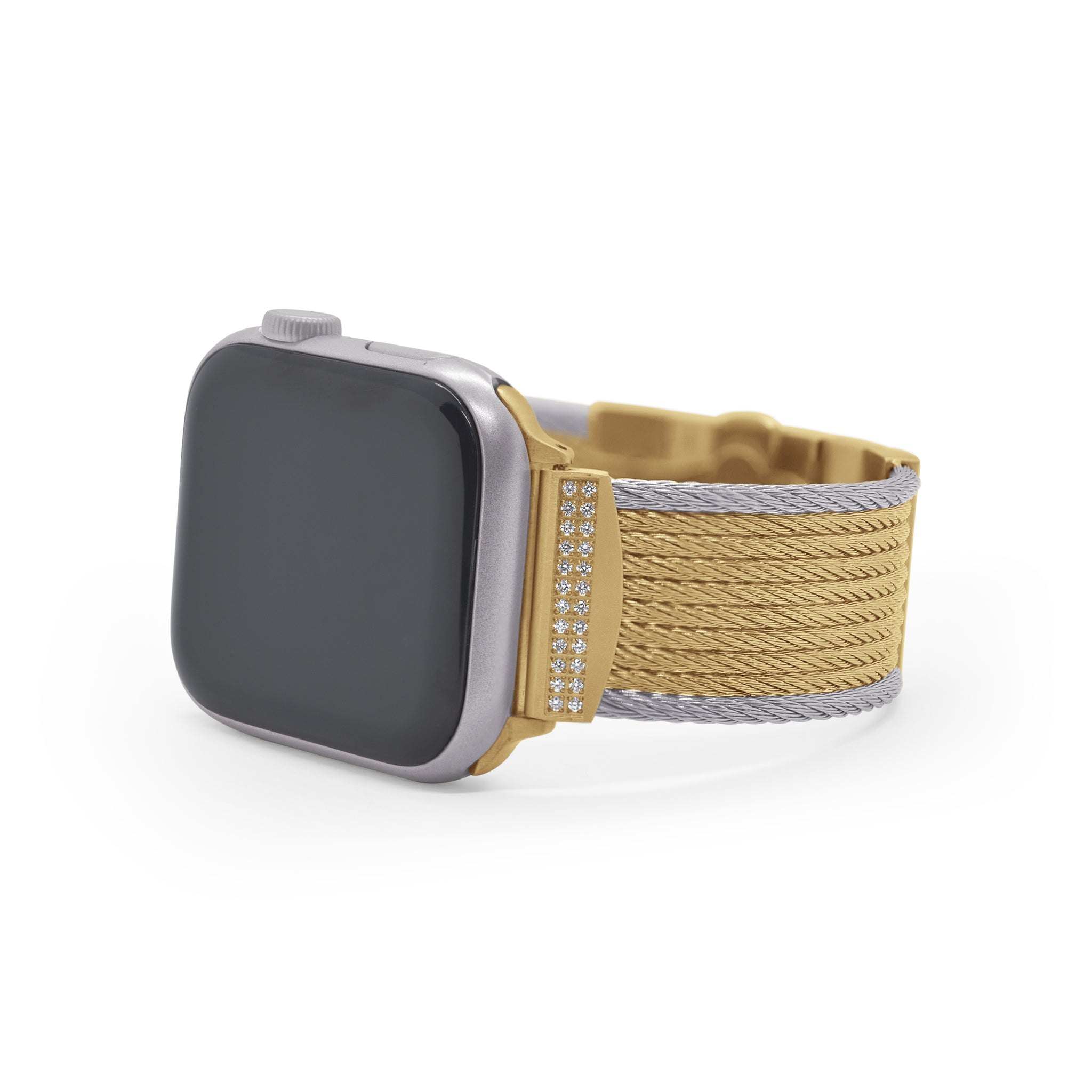
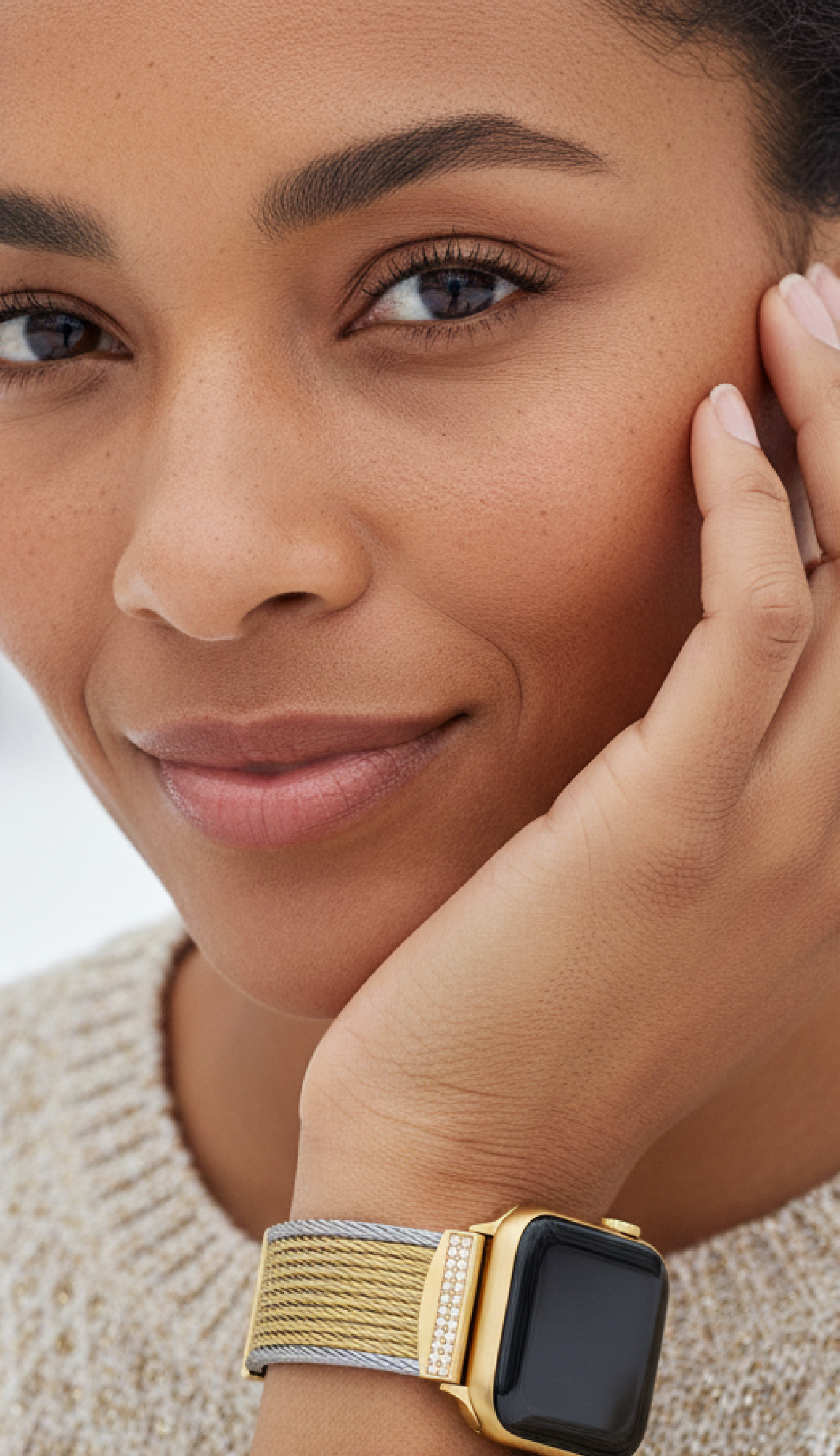
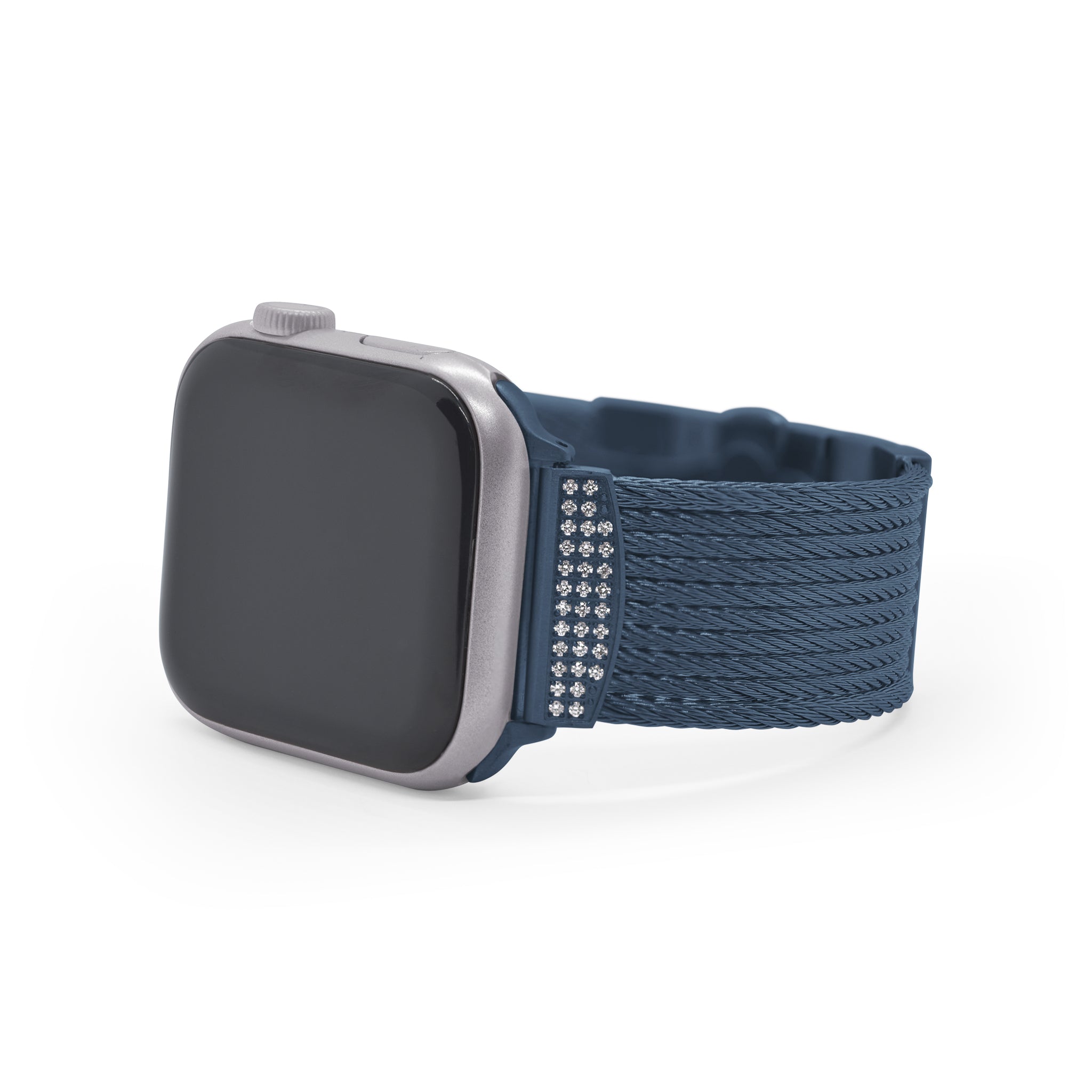
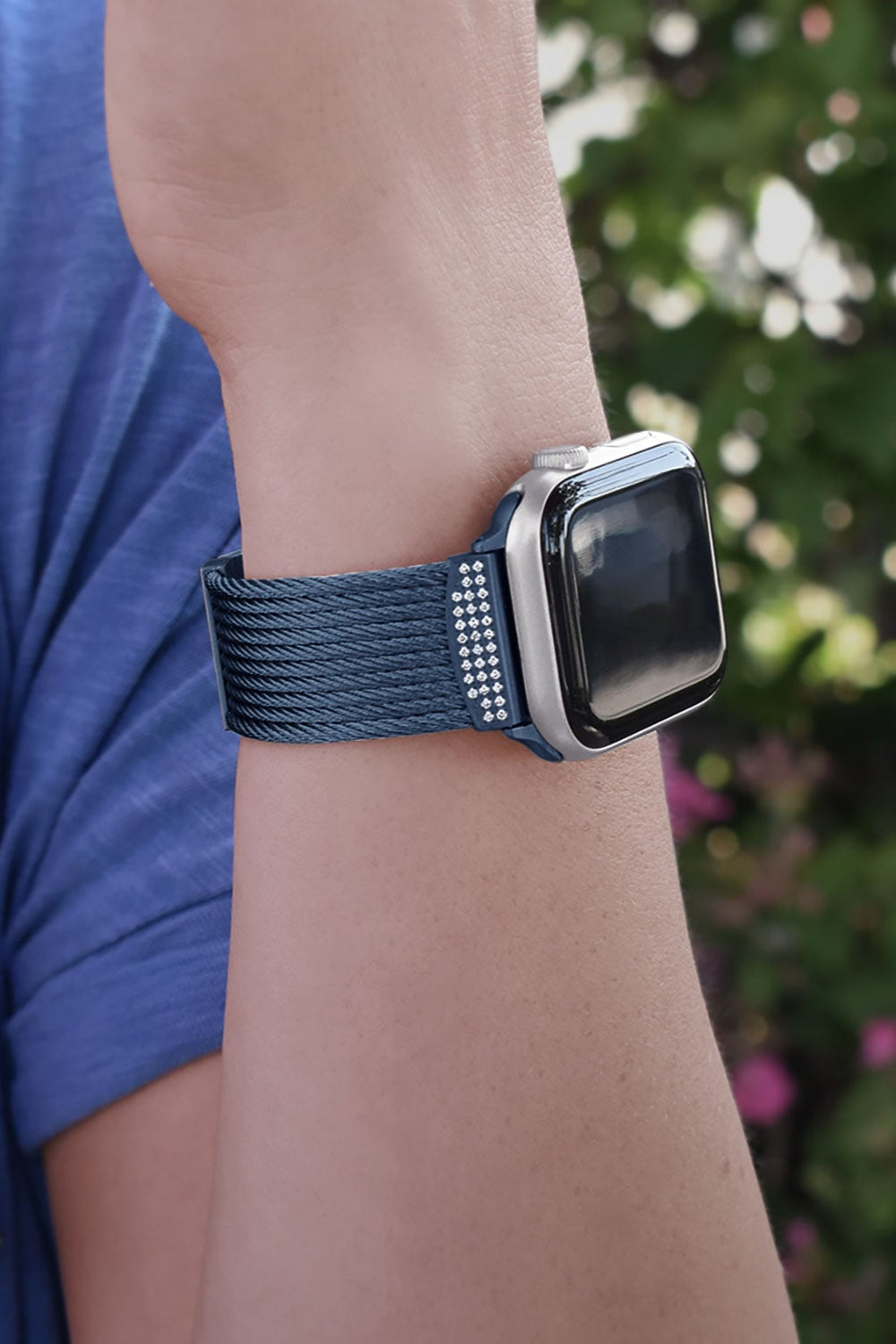
If you have questions about our iALOR® luxury Apple Watch® bands, we have answers for you. We've gathered some of the most common questions we've seen about designer bands for Apple Watch® and answered them for you below.
Frequently Asked Questions About Luxury Apple Watch® Bands
It's very easy to take off or switch your iALOR® luxury Apple Watch® band.
- Make sure the double deployment clasp on your iALOR® designer Apple Watch® band is fully open before you exchange straps. To do this, pinch both sides of the clasp and the band will release on both sides.
- Hold down the band release button found on the underside of the Apple Watch® face to slide out an existing watch strap and slide in a new strap.
- Repeat on the opposite side.
Yes, ALOR has created two different sizes of iALOR® to match the varying Apple Watch sizes:
- The 8-row iALOR® is the designer Apple Watch® band for 38-42 mm models
- The 10-row iALOR® will fit 42-45mm Apple Watches®, making it the perfect designer Apple Watch® band for popular 44mm models.
It's very easy to return any order if you are not completely satisfied with your purchase. We will provide an exchange or full refund, minus shipping charges, if you have the original sales receipt. Please contact us within 30 days of the date of delivery. You can find the full details on our returns & exchanges page.
The band will ship at its longest length unless you let us know in the comments when you order how many links need to be removed. Start by measuring your wrist in inches, to the nearest quarter inch. For the 8-row iALOR®, if your wrist measures 6.25 inches, we will need to remove 8 links. For each quarter inch larger your wrist measures, we will need to remove one less link. For the 10-row iALOR®, if your wrist measures 6.5 inches, we will need to remove 8 links. Again, for each quarter inch, we will need to remove one less link.